

The Complete Guide to Launching or Relaunching Your Substack in 2026
Below, I take you through how to:
Launch your Substack or
Relaunch your Substack (yup, that’s a thing)
8 Steps to Launching Your Substack
One of the questions I get asked most is whether someone new to Substack should post a few articles before launching.
The answer is no. People used to pad their archives to make it look like they’d been on for a while but not anymore.
You want to launch in a very particular way. According to Substack, people who launch and use Notes get 50 percent more new subscribers.
Step 1: Make sure you’re ready.
You should
know the DNA/core of your Substack,
have revised your About page,
have revised your short description,
are sure about your title (at least for now).
Have a goal for the launch. It will keep you focused and focus everything you write: Paid subscribers, free subscribers, shares, book sales, etc.
Pick a date for your launch email (more below) and the first article after your relaunch (more below).
Step 2: Notify your current list before you import them
One sentence: I have exciting news… (or something)
One sentence:
On [date of the first article], [Name of newsletter] will look a little different…
You’ll receive emails from this return address, so please add it to your contact: [your Substack email address]
More soon… [or some other sign-off]
Step 3: Customize your imported subscriber automatic email
You’ll find this in Dashboard Settings under Emails.
A brief welcome telling them that they’re now a free subscriber to your Substack.
+ To stay, you don’t have to do anything. If you’d rather not, you can unsubscribe below in one click.
Your Substack’s short description and why what you’ll be doing on your Substack is exciting and how it will benefit them.
Include this:
Add [your Substack’s email address] to your contacts and respond to this email to avoid emails ending up in your junk/spam folder.
Sign-off.
Add a P.S. If you feel comfortable, ask them to do what you want: upgrade to paid, share, buy your book, etc. Include a button.
Step 4: Ready your other welcome emails
Customize your free/paid/founding welcome emails to be sure they reflect your new vision/Substack:
Your welcome emails are customizable.
Dashboard settings → Emails
Update these to reflect any changes.
Include this in all welcome emails (Gmail has made deliverability an issue and this is one way to get around it):
Add [your Substack’s email address] to your contacts to avoid emails ending up in your junk/spam folder.
Add a P.S. If you feel comfortable, ask them to do what you want for this relaunch (you can change it later if you want): upgrade to paid, share, buy your book, etc. Include a button.
Step 5: Write your launch email
You want to send an email rather than an article so it reaches everyone. Here’s how to do that.
Remember your goal: share, convert to paid, outside sales, etc.
Most likely it’s growth (asking them to share) or income (asking them to upgrade).
This email needs to be short and the call to action (to share or upgrade) very clear.
Here’s how your email should look for each.
These are the bare bones. Make the language your own.
**If you want them to share:
Include subscribe and share buttons
Hello! / Hi there, / Dear ___,
You’re receiving this because you’re a [topic of your Substack, e.g. car lover, sailor, or interested in things you didn’t know fascinate you].
Define your Substack in one sentence—and why someone would want to subscribe. You can elaborate but only in a short sentence or two.
If you’re on Substack, please share about [name of your Substack]:
[Share Publication button (not Share this post)]
Or forward this email to someone you think would be interested.
Sign off.
Testimonials, if you have them.
**If you want them to upgrade:
Include just a subscribe button, which will appear as Upgrade to paid if they’re already subscribed.
Hello! / Hi there, / Dear ___,
You’re receiving this because you’re a [topic of your Substack, e.g. car lover, sailor, or interested in things you didn’t know fascinate you].
Define your Substack in one sentence—and why someone would want to subscribe. You can elaborate but only in a short sentence or two.
Paid subscribers make my work possible. [or any short call to action asking them to upgrade]
[Subscribe button—this converts to an upgrade for paid subscribers]
Sign off.
Testimonials, if you have them.
Step 6: Write your first article after you send the relaunch email
It’s just good to have this ready. This way, you’ll write it from the excitement of all the possibilities your relaunch offers, not judgment as to how you think the relaunch went (which we rarely ever think is “good”).
This can be a version on your new About page or a longer version of the changes you’ve made. This is your chance to explain your Substack because very few of them will ever read your About page. If you aren’t writing a version of your About page, use this as an opportunity to connect with them and share all the exciting things that are coming.
Be sure it’s about them and what they get or the philosophy behind your Substack or why you’ve come to Substack.
At the bottom of the post or in a footer, include a thank you to those who did whatever you asked in your relaunch email (shared, upgraded, etc.—whatever your goal is for the relaunch) and ask those who didn’t to do it.
Step 7: Use Notes to get the word out
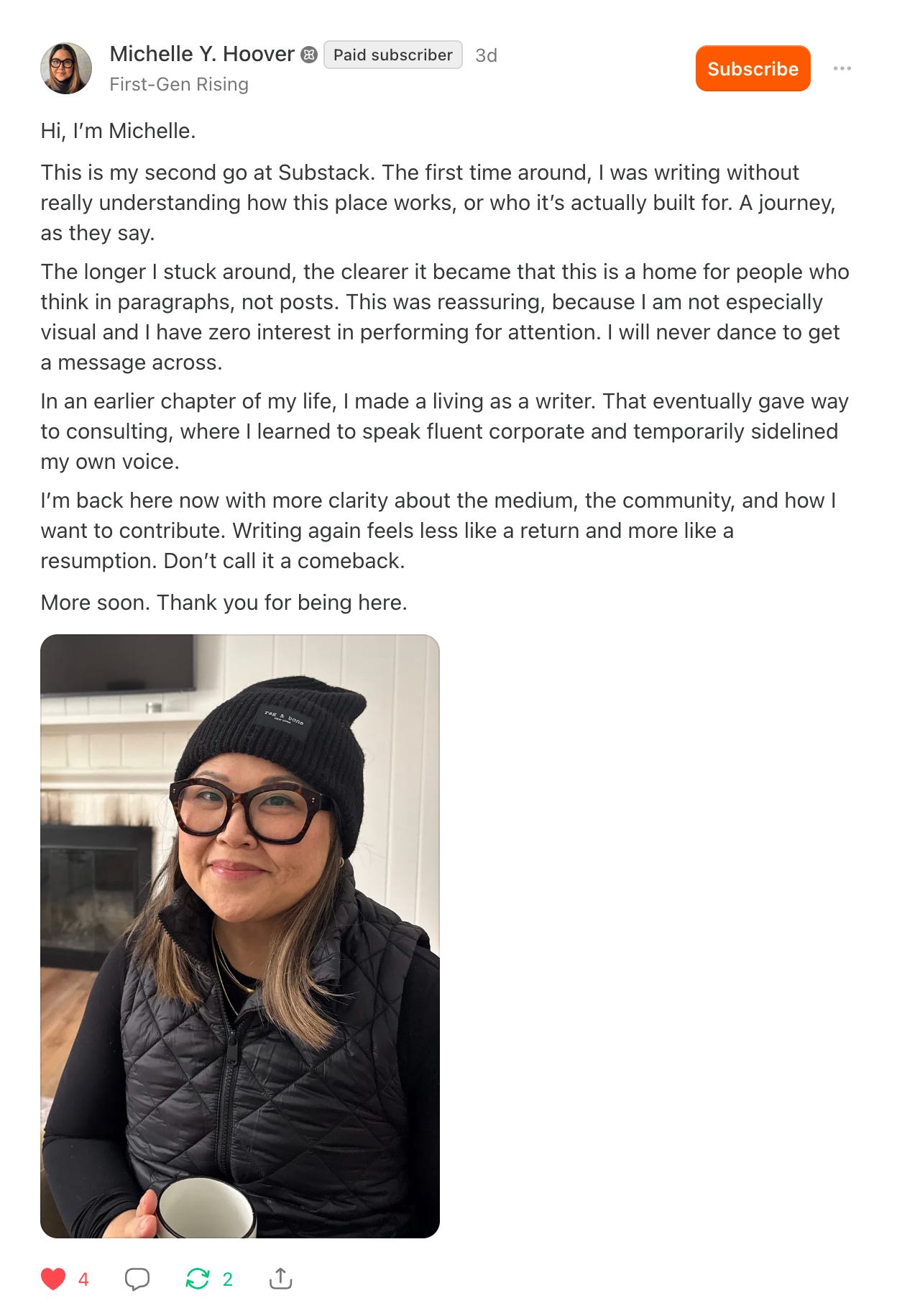
Note 1: Introduce yourself. Don’t link to or promote your Substack.
This can be a longish Note (think Facebook).

Note 2:
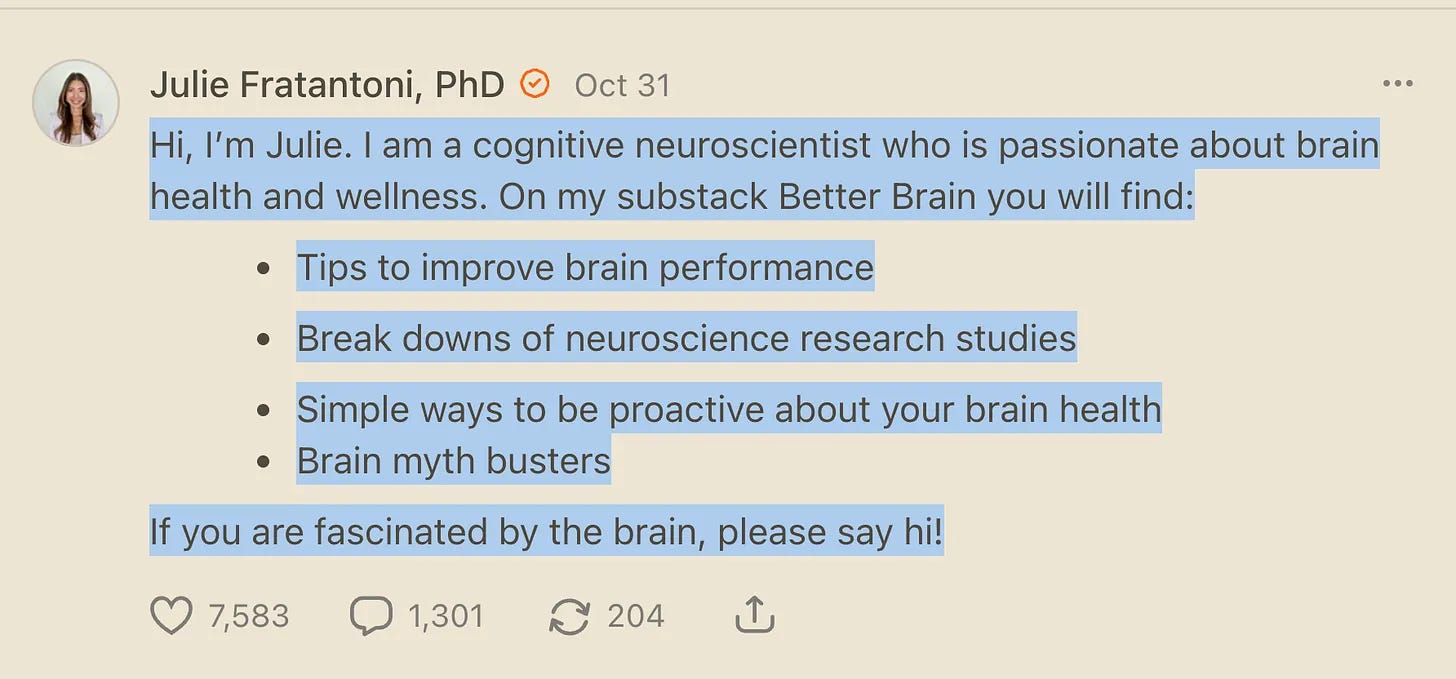
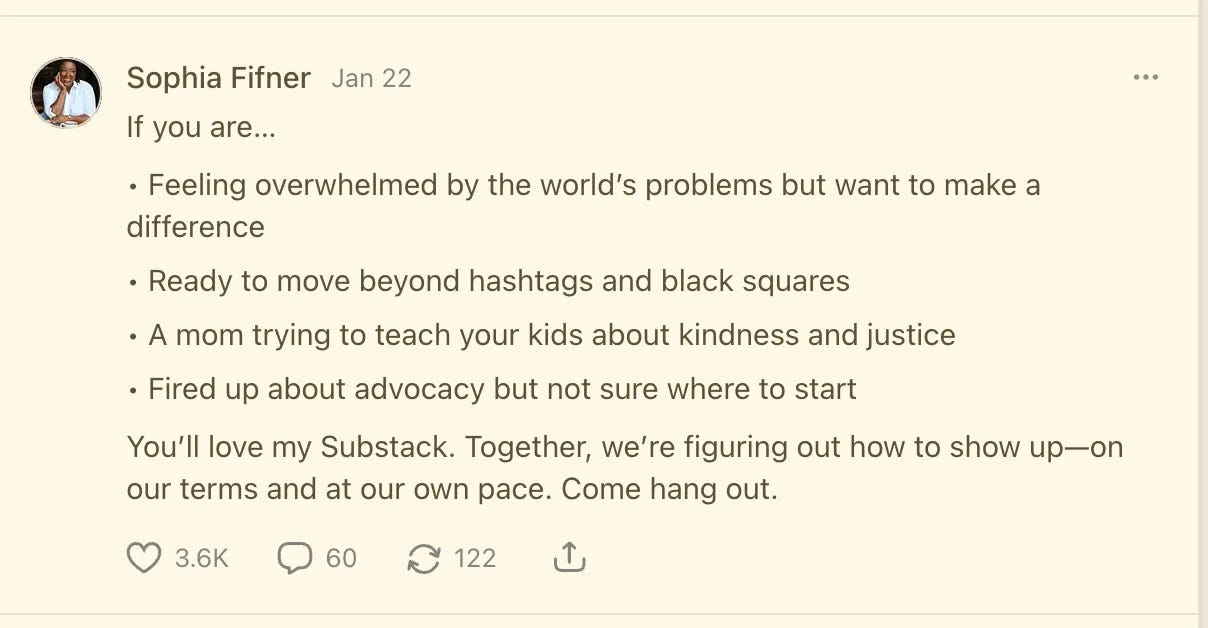
Share about your Substack. Be brief, be clear, and tell us exactly what it is. You spent all this time working on how to express your Substack and what it is according to your DNA. This is the place to tap into that.
Note 3: Find your people
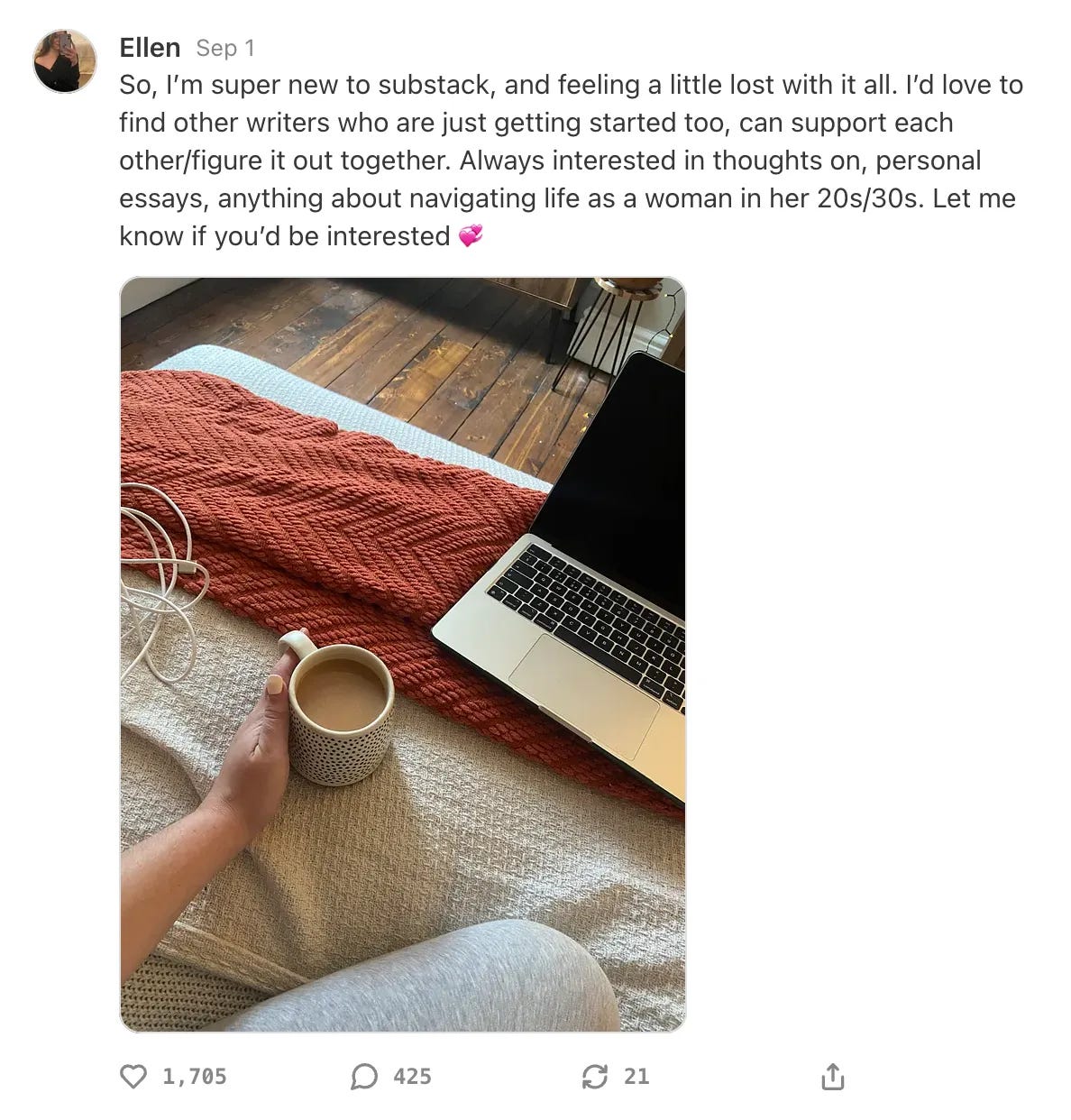
Post a note asking if others write on your topic or whose work overlaps with yours. Don’t make it a follow-for-follow thing (ick), and don’t say, “Drop your URL or Substack link in the comments so I can follow you.” Keep it genuine, e.g., Is anyone else writing about family histories or cognitive neuroscience? Just looking to connect. Only do this if you genuinely want to connect with other writers on your topic. If not, don’t do this.
Step 8: Celebrate!
You’re amazing. You’ve found the core of your Substack and how your talents, expertise, and gifts can work on the platform!
7 Steps to Relaunching Your Substack
Why would you relaunch?
If you’ve been on Substack and have made significant changes and
You’ve taken the time to explore who you are, what you want to do on here, what works on the platform, and learned how to communicate it to others
Please don’t just relaunch in the hope of getting subscribers. It won’t work. Bookmark this page. Wait until you’ve gone through our Substack DNA sessions in November. Then relaunch.
Step 1: Make sure you’re ready.
You should
know the DNA/core of your Substack,
have revised your About page,
have revised your short description,
are sure about your title (at least for now).
Have a goal for the relaunch. It will focus everything you write:
paid subscribers, free subscribers, shares, book sales, etc.
Pick a date for your relaunch email (more below) and the first ariticle after your relaunch (more below).
Step 2: Teaser
In an article, before you relaunch, tease in a P.S. or in the header/footer of a post to build excitement:
I have exciting news coming on [date of your relaunch email]. More soon…
On [date of the relaunch article], [Name of your Substack] will look a little different. More soon…
Step 3: Ready your welcome emails
Customize your free/paid/founding welcome emails to be sure they reflect your new vision/Substack:
Your welcome emails are customizable.
Update these to reflect any changes.
Dashboard settings → Emails
Include this in all welcome emails (Gmail has made deliverability an issue and this is one way to get around it):
Add [your Substack’s email address] to your contacts to avoid emails ending up in your junk/spam folder.
Add a P.S. If you feel comfortable, ask them to do what you want for this relaunch (you can change it later if you want): upgrade to paid, share, buy your book, etc. Include a button.
Step 4: Write the first article you’ll send after the relaunch
It’s just good to have this ready. This way, you’ll write it from the excitement of all the possibilities your relaunch offers, not judgment as to how you think the relaunch went (which we rarely ever think is “good”).
This can be a version on your new About page or a longer version of the changes you’ve made. This is your chance to really explain your Substack because very few of them will ever read your About page. If you aren’t writing a version of your About page, use this as an opportunity to connect with them and share all the exciting things that are coming.
Be sure it’s about them and what they get or the philosophy behind your Substack or why you’ve come to Substack.
At the bottom of the article or in a footer, include a thank you to those who did whatever you asked in your relaunch email (shared, upgraded, etc.—your goal is for the relaunch) and ask those who didn’t to do it.
Step 5: Write and send your relaunch article/email announcement
You could send this as a article or an email directly to your subscribers, depending on how big of a relaunch this is, i.e., how much is changing.
Remember your goal, e.g., growth (asking them to share) or income (asking them to upgrade).
This article or email needs to be short and the call to action (to share or upgrade) very clear.
You can send one article or email to paid and one to free.
Both should be a letter—you sharing with them your Substack DNA and parts of your new About page (based on your DNA) and offer. Share what’s changed and what’s to come.
For the free email or article, you can ask them to upgrade with the subscribe button.
For paid, ask them to share your Substack with the share button.
Step 6: Use Notes
Note 1: Re-introduce yourself. Don’t link to or promote your Substack.
This can be a longish Note (think Facebook).
Note 2: Tell us about your Substack
Share about your Substack. Be brief, be clear, and tell us exactly what it is. You spent all this time working on how to express your Substack and what it is according to your DNA. This is the place to tap into that.
Note 3: Find your people
Post a Note asking if others write on your topic or whose work overlaps with yours. Don’t make it a follow-for-follow thing (ick), and don’t say, “Drop your URL or Substack link in the comments so I can follow you.” Keep it genuine, e.g., Is anyone else writing about family histories or cognitive neuroscience? Just looking to connect. Only do this if you genuinely want to connect with other writers on your topic. If not, don’t do this.
Step 7: Celebrate!
You’re amazing. You’ve found the core of your Substack and how your talents, expertise, and gifts can work on the platform!